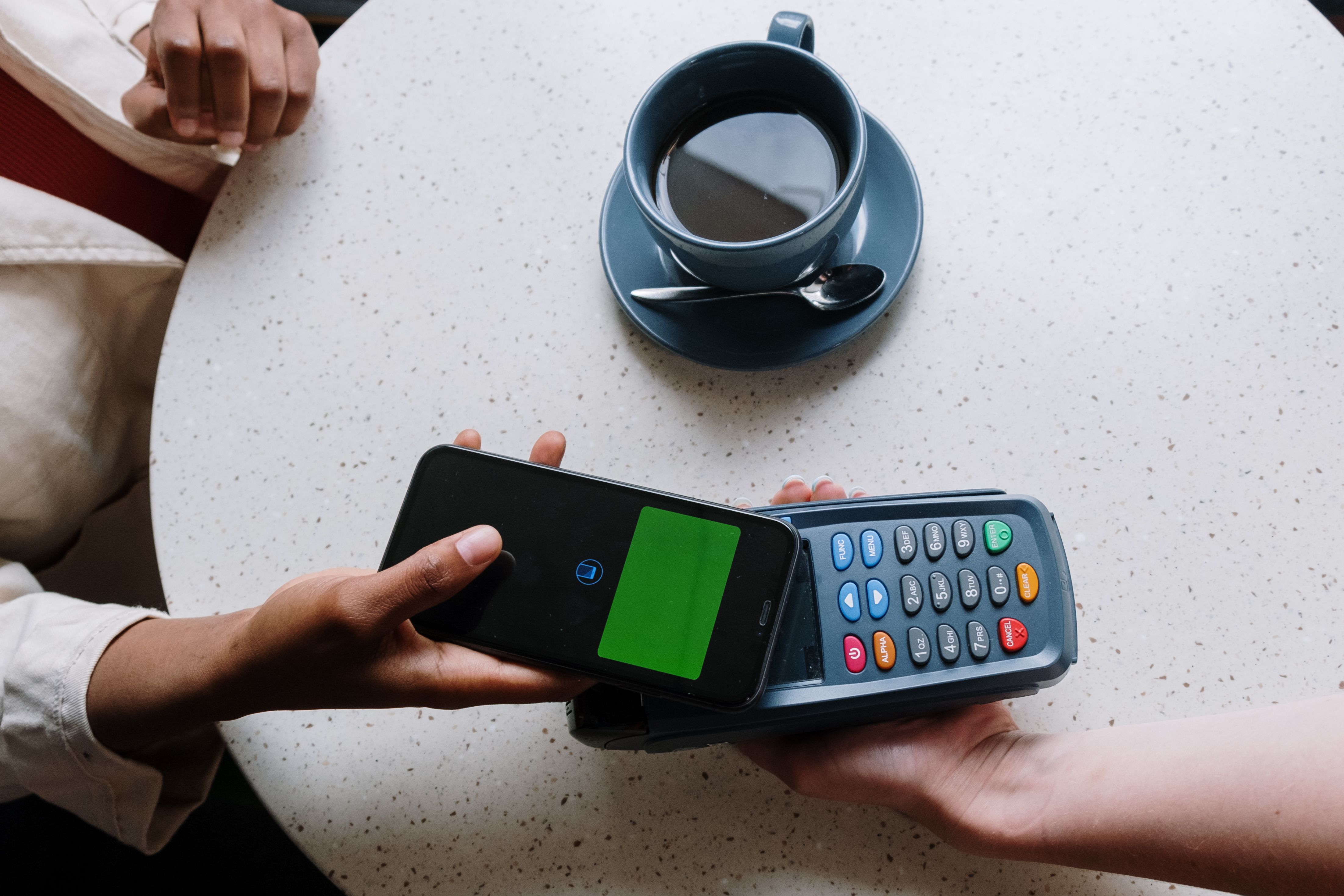
You can get paid in dozens of ways, including daily, weekly, or whenever a client calls. But bills don't usually work that way. Miss a phone payment, and there’s a late fee. Come up short on the car payment, and your bank charges you for the overdraft. Those fees can add up over the course of the month, making cash feel tight.
The good news is choosing how you pay can help you avoid extra transaction costs and plan around due dates. In this article, we’ll explore the common electronic payment methods for bills and compare them by transaction fees, processing speed, and fraud protection to help you choose the one that’s right for you.
What Are Electronic Payment Methods?
An electronic payment method is any way of paying a bill online without cash or a paper check. Today, more than one-third of consumers make urgent or same-day bill payments digitally, and half of smartphone owners utilize mobile wallets. Many of those transactions run through ACH, the Automated Clearing House network banks use to transfer funds between accounts.
Common Electronic Payment Methods for Bills
But ACH is just one of 11 commonly used methods of electronic payment. Here’s how they compare:
*As of November 2026, based on publicly accessible information on the respective services and brands. Visit their websites for more details.
How Do They Differ?
While 11 is a pretty long list, these payment options only really differ in a few key ways:
- Whose money you’re using: A debit card, bank account, and prepaid card all spend your money directly. A credit card spends the bank's money, then you pay the bank back.
- What you’re paying through: Payment apps like Apple Pay, PayPal, and Cash App don’t hold your money. Neither does the QR code on your bill. They’re all doorways to a card or account you already have, and that account sets payment processing time and most of your costs.
- Who starts the payment: You can send a payment yourself from your bank’s app. Alternatively, your bill provider can collect it automatically on a set date each month or your bank can send it for you on a date you pick.
Choosing the Best Electronic Payment Method for Paying Bills
No single one of these digital payment services wins across the board. Here's what to reach for on each of your monthly bills.
Rent: Your Biggest Bill, Your Biggest Fee
Rent is usually your largest monthly bill, so a credit card fee adds up: 2.5–3.5% on $1,500 is $38–$53 every month. An ACH transfer or debit card through your landlord's portal is usually free. No portal? Bank bill pay is the free fallback. If your landlord only takes Zelle, send it a day early, and check the number twice since those transfers aren’t reversible.
Flexible rent payment options exist, including a rent splitting app like Flex or a custom payment plan. With Flex Rent, you’ll pay a monthly membership fee up to $5.99/month, 0.5% of your total rent, and up to 3% for your second payment based on how much you borrow and cannot be reduced with early repayment. The estimated cost to split your $1,500 rent evenly ($750 / $750) is about $35.99 (assuming a debit card payment). Keep in mind that paying Flex with a credit card adds an extra 2.5% surcharge, though some bill providers may cover these costs. Exact terms and pricing are displayed in the app before you confirm.
Utilities: Never The Same Twice
The costs of utilities like heat and electricity change based on usage, so the bills aren’t the same from month to month. It’s worth checking your statements each month before setting up autopay to avoid overdraft fees. Paying manually? The QR code on a paper bill helps you quickly land on the online payment provider's portal, where you can pick a card, bank account, or digital wallet to pay. Many providers accept payments by credit and debit card. However, they may charge transaction fees for either method. A bank transfer is often free.
Phone and Internet: Set It and Forget It
Fixed plans make these the safest bills to automate. Set up autopay from a bank account or debit card (usually free, and some carriers even discount your plan for it). Paying by credit card may add a 2–3% monthly surcharge, but that may be offset by cash back, points, or other rewards.
Car Payment: More Room Than You Think
As a rule, credit cards aren't widely accepted by lenders. ACH payments through the lender's own payment processor could be your only free option. Many auto loans include a 10–15-day grace period, so a payment that posts a day late may not incur a late fee — check your loan terms.
Home and Auto Insurance: The Ones You Don’t Want To Be Late On
Missing an insurance payment can cause your coverage to lapse, which could be costly if you need to make a claim during that time. Reinstating lapsed coverage may also incur fees and penalties, and the grace period is usually short. Many insurers incentivize setting up autopay by taking 1–5% off your premium if you connect to a bank account. You may be able to unlock extra savings by bundling home and auto together. Paying the entire policy in a lump sum once or twice a year may also compound your discount, but taking advantage of these savings can be difficult if you’re living paycheck to paycheck.
Medical Bills: Double-Check Before You Pay Them
More Americans are using BNPL to pay their medical bills in installments, which can help provide relief. The thing is, medical bills are often full of errors: duplicate charges, inflated fees, amounts already covered by insurance. So, ask for an itemized bill before you pay anything. Whether you pay up front or take advantage of a BNPL program, use a credit card so you can take advantage of the dispute process if the charge is incorrect.
Secure Payment Methods: 3 Things To Check Before You Pay
Before you pay any bill electronically, check these three things.
1. Safety
Double-check the payment processing page actually belongs to the provider. Phishing scams have only gotten more sophisticated over the years, and scammers can spoof phone numbers and emails. Verify that the sender’s email address is free from typos, and type the web address yourself instead of clicking links whenever possible. When in doubt, reach out to the provider directly to confirm information before making a payment.
2. Fees
Let’s be realistic; no one has time to check their bank account balance before every payment. Set up a low-balance alert instead to let you know when funds are dwindling. On top of this, you can set up transaction alerts that flag large payments and suspicious activity, requiring verification before processing. Scan your transaction history once a week, and challenge any unfamiliar or unexpected charges. This will help you avoid overdraft and late payment fees.
3. Timing
Your due date is when the money has to land in the provider’s hands, not when you press pay. Give every payment a two to three business day processing cushion. That's the whole trick. If you’re already at the deadline, same-day from credit cards or debit cards are your fastest option.
When Your Bill Arrives Before Your Paycheck
When your bill arrives before your next paycheck, you have a few options. You can miss the due date and pay a late fee, cover the bill from an account with a low balance and pay an overdraft fee, or put it on a credit card to move the bill to the next month with interest. However, none of these scenarios correlates with the electronic payment system you use. Instead, it’s a structural issue: The bill simply arrives before your money does.
Of course, managing cash flow mismatches is much easier when you can see the whole month coming. Building a comprehensive spending plan can help you map out your income and expenses for the month. Once you’ve locked everything in, identifying your ideal budget percentages will help you balance your fixed bills, savings, and spending all month long.
But when timing is still tight, Flex can help. You add an eligible bill, then Flex helps you split it into two payments with transparent costs. This includes a 0.5% processing fee on the total of the bill and a split fee of up to 3% on the deferred portion (based on how much you borrow). Your provider gets paid upfront, and you have breathing room to cover the rest later on. Flex isn't a digital wallet, bank account, or payment processor. It's for people trying to organize eligible bill timing around their cash flow.
See how Flex for everyday bills works. Eligibility and features vary.